Car Thing, meet Mac.
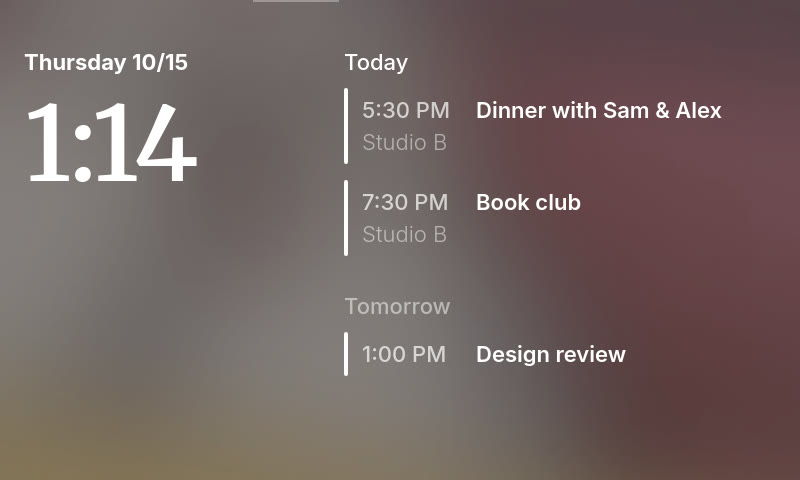
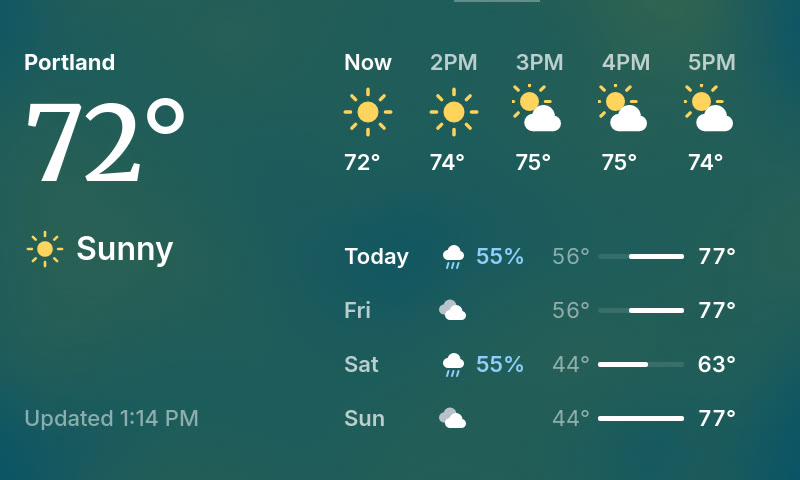
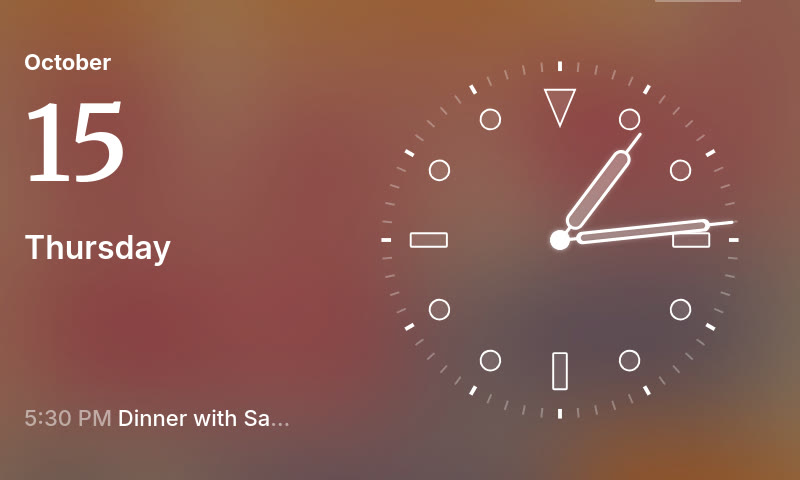
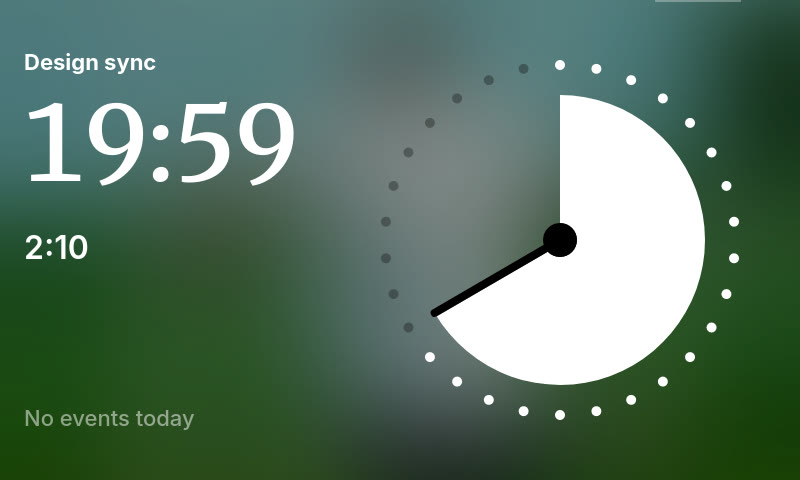
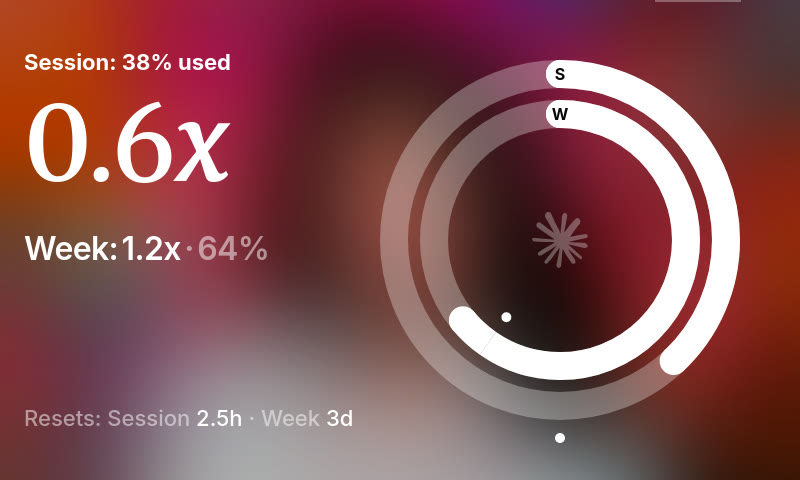
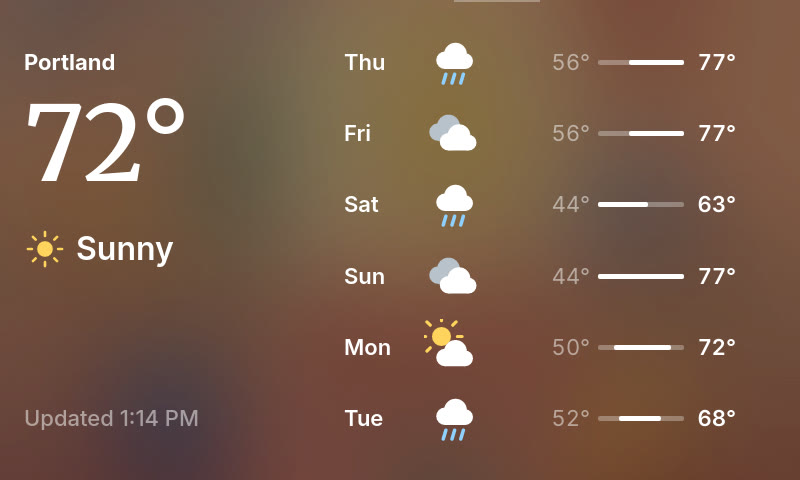
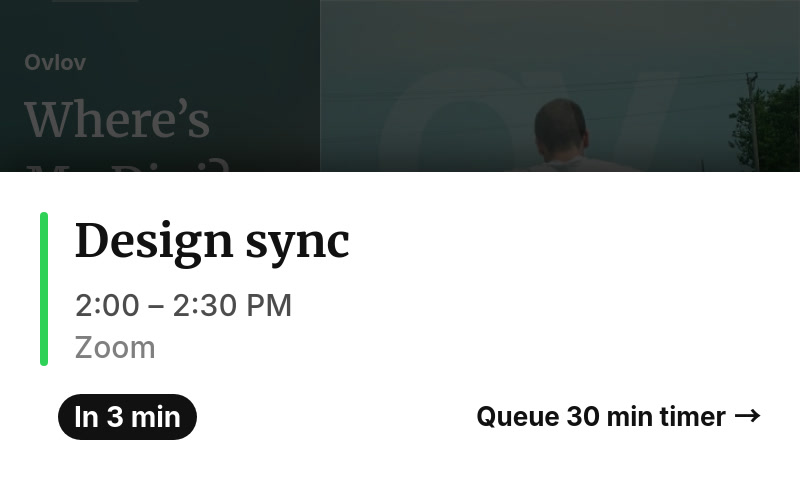
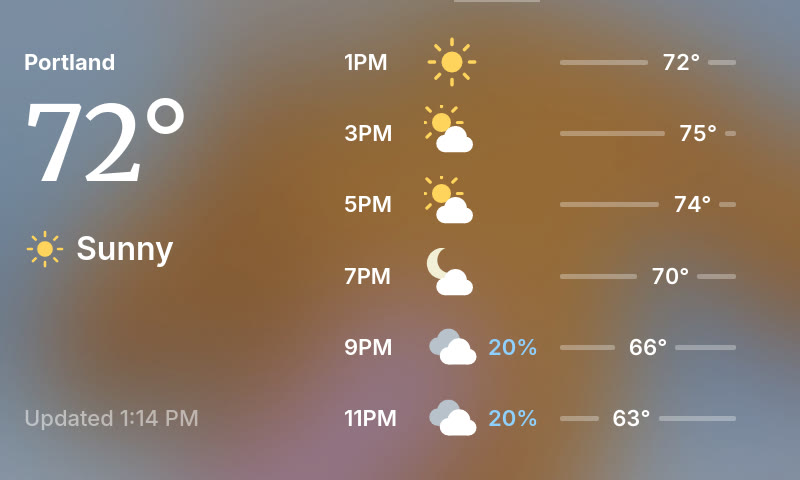
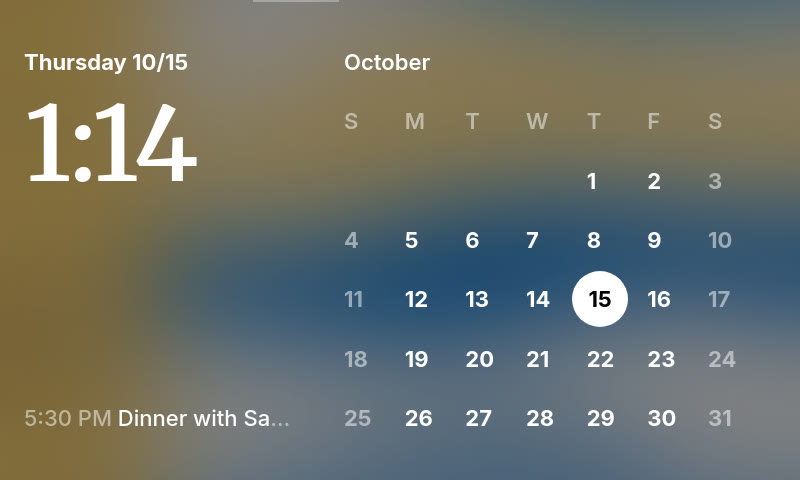
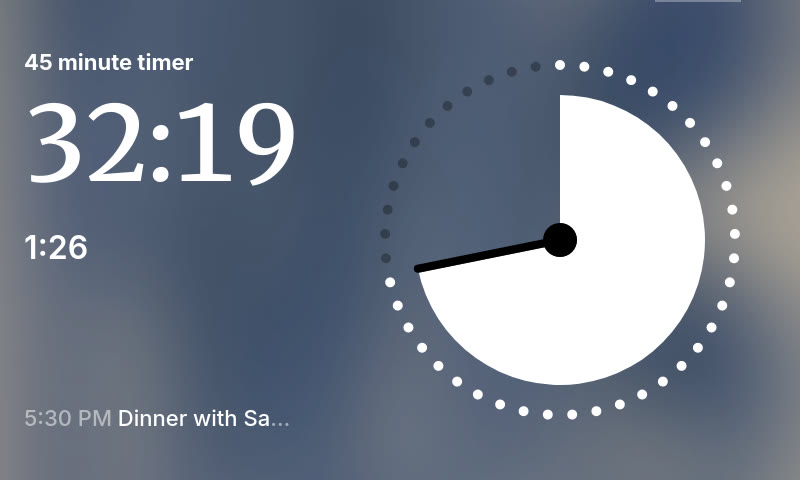
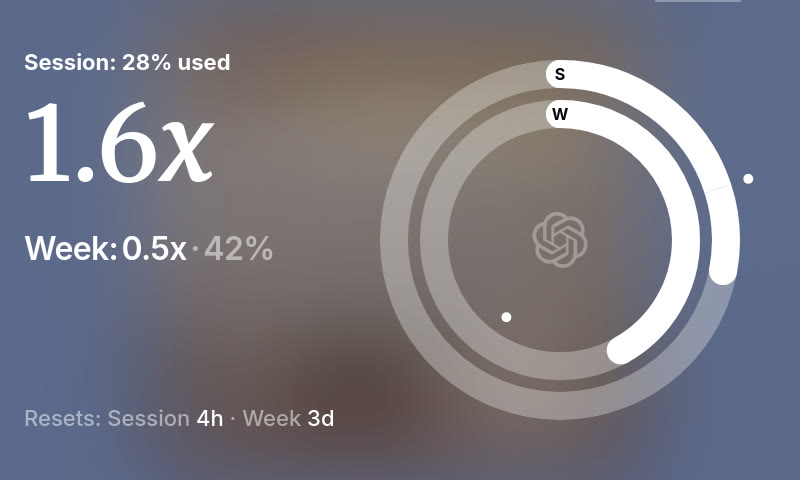
A mini display and controller for your Mac. Music, calendar, weather, clock and AI usage.



You just made my day! This is it—the one app that actually shows the artwork of what I'm listening to. I've tried so many apps on Mac, but this is definitely the one.
u/Designer-Mail5103r/CarThingHax
gorgeous
u/jonmaddoxr/CarThingHax
I tried out a bunch of different Car Thing mods today, and after testing MacThing, I'm officially settling on this one—no need to try anything else. Your design is sleek, beautiful, and the features are dialed in just right.
u/drydenwur/CarThingHax
Been using GlanceThing for a long time, but this is even better. Thank you!
u/spezpinkdress2000r/CarThingHax
Well now I'll have to go find mine where ever stashed it!
u/Obvious_Scratch9781r/CarThingHax
I really wish I never threw away my Thing. Man.
u/miataataim66r/CarThingHax











Set it up in ten minutes.
What you need
Spotify stopped making them, but they're easy to find secondhand: eBay, Facebook Marketplace, thrift stores.
Put community firmware with ADB on your Car Thing, such as the Thing Labs / DeskThing image. Install adb with
brew install android-platform-tools, plug the Car Thing in, and check thatadb devices -llistsproduct:spotify-car-thing.Check under Apple menu → About This Mac. Update in System Settings → General → Software Update.
Run
xcode-select --installin Terminal.Download it from nodejs.org, or run
brew install node.
How to start
git clone https://github.com/srcurran/MacThing.git
cd MacThing
npm ci
npm run build
npm run setup-device
npm run install-agentRelease notes.
All release notes →How to update
Pull or download the new version, then:
npm ci
npm run build
npm run restart